Getting started
Enter the members one name per box.
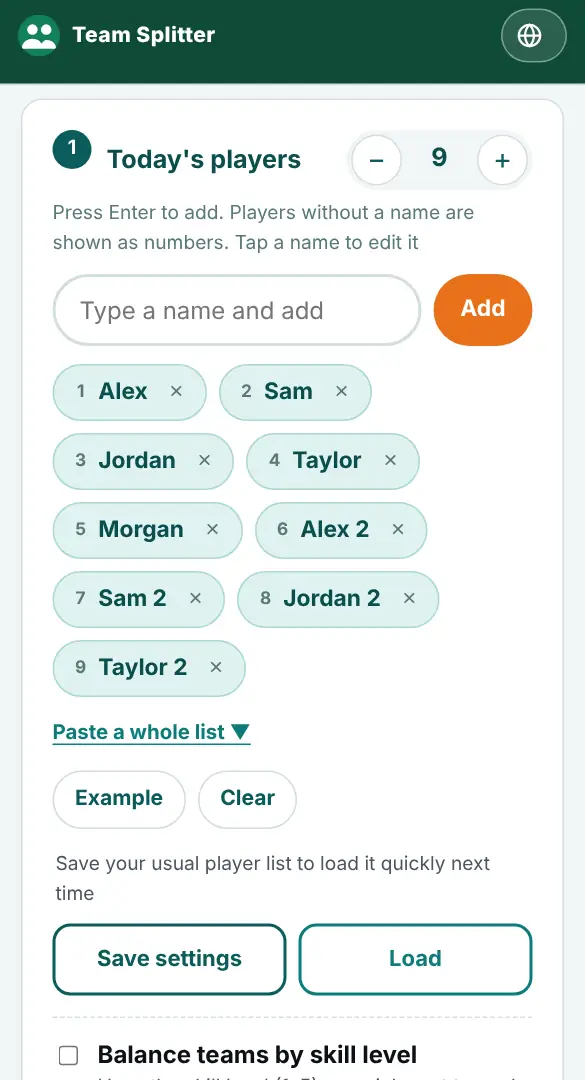
Choose “Number of teams” or “People per team” and set the number.
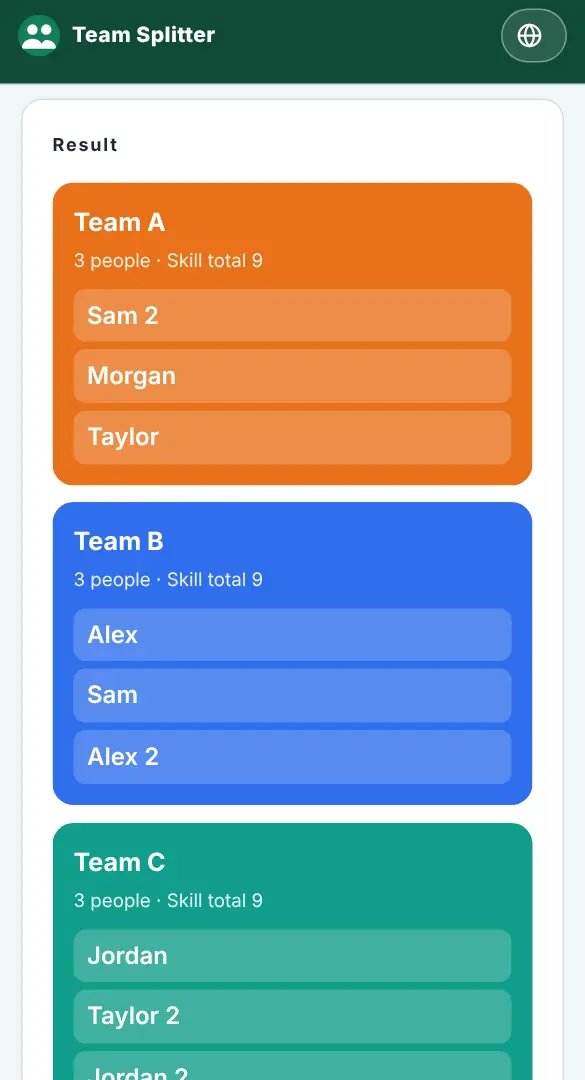
Press “Split into teams”. Not happy with it? Press “Shuffle again”.
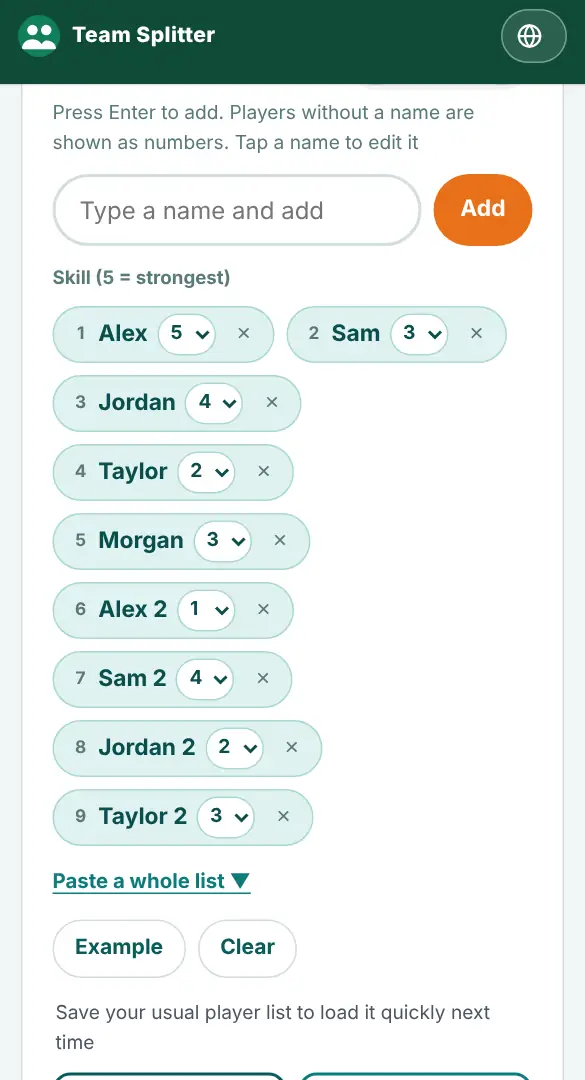
Balance by skill
To balance by skill, turn on “Balance teams by skill level”. Then pick 1–5 next to each name (5 = strongest).
Share with everyone (live view)
Share the result
Press “Share results” to show a QR code and a link. Let people scan the QR code with their phone camera at the venue, or send the link via a chat app.
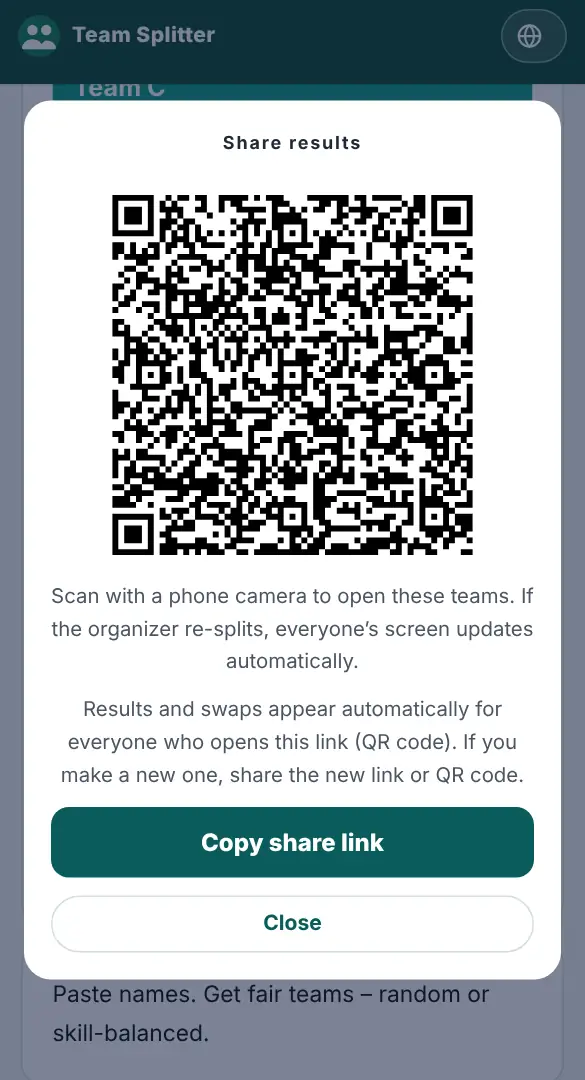
Re-splits update automatically
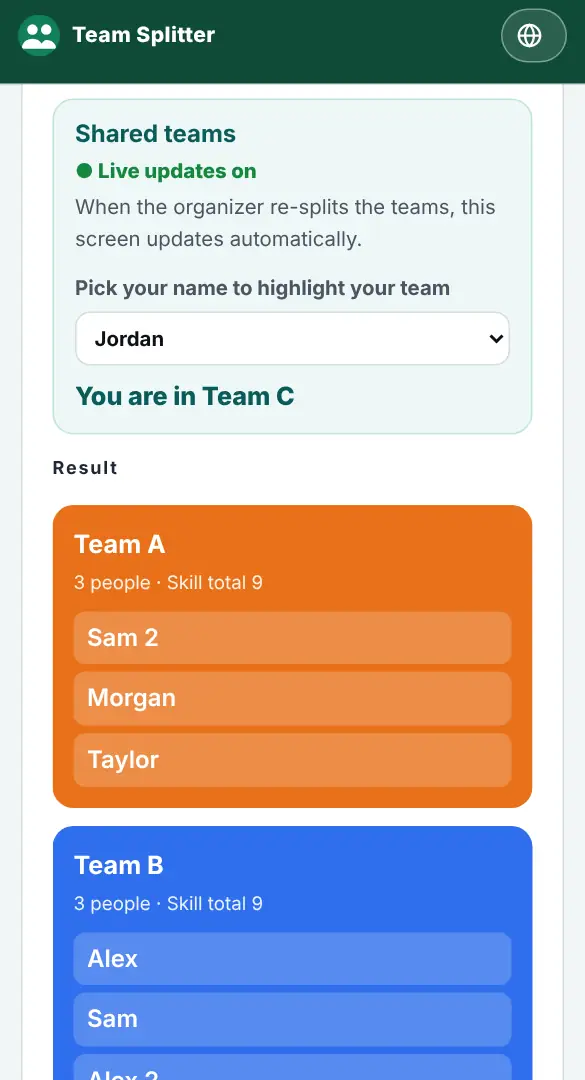
When the organizer presses “Shuffle again”, everyone who opened the link sees the new teams within a few seconds.
Find your team
Viewers who pick their name see their team outlined and a line telling them which team they are in.
Big screen
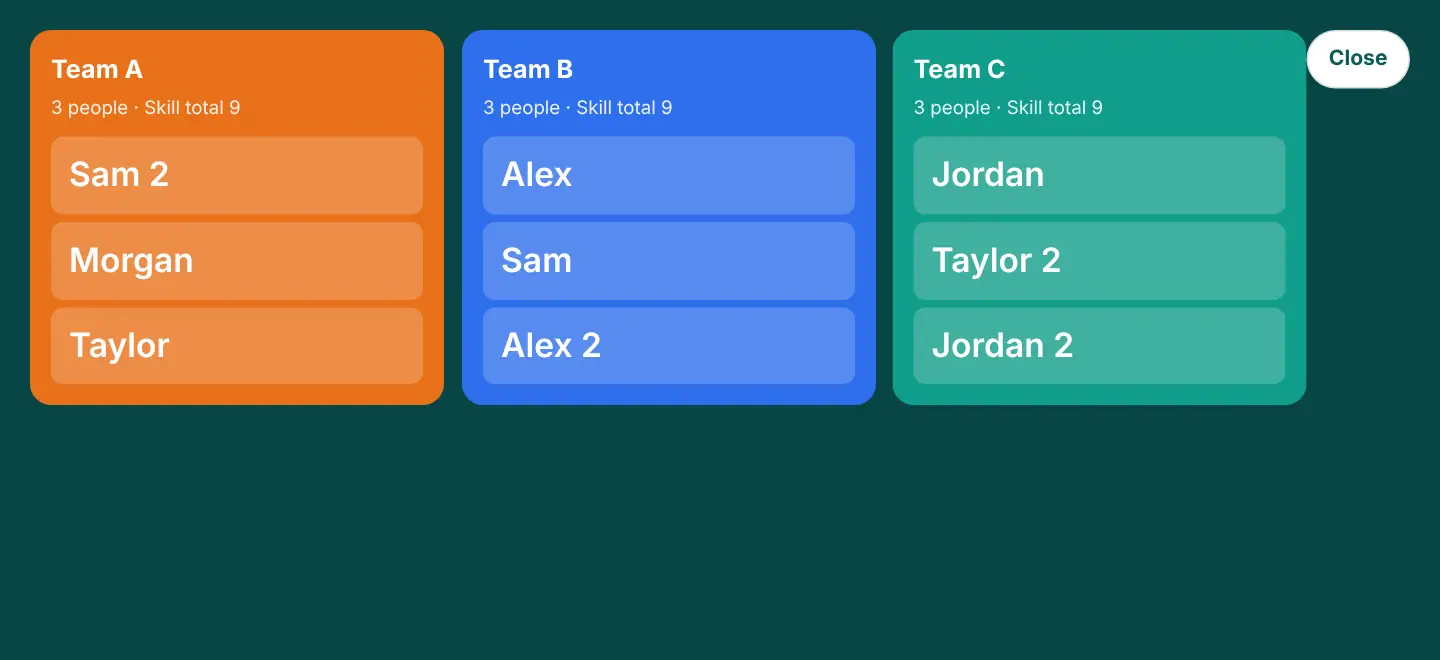
Press “Full screen” to show the teams in large text in full screen. Handy for announcing teams in a gym or on a projector.
Set pairs and placement yourself
Set teams yourself (optional)
Chosen people go to that team. The rest are split at random (or by skill balance).
⇄ Swap
Tap the two you want to swap, one after the other.
Using the tools together
Switch tools
The bar at the very top lets you switch between the four tools — matches, tournament, round robin and team splitter — at any time.
Send names to another tool
The buttons below the result open another tool without typing the names again. For example, you can turn team splitter results straight into a tournament bracket or a round robin.
Troubleshooting
The shared screen does not update
Check that the organizer’s device is online. Viewers can reopen the link to get the latest state. After changing the members, share the new link or QR code.
Frequently asked questions are on the tool page.
See the FAQIf this tool helped you, you can support it on Ko-fi. It keeps the tools free.
☕ Support on Ko-fiTeam Splitter · teams.matchgentools.com